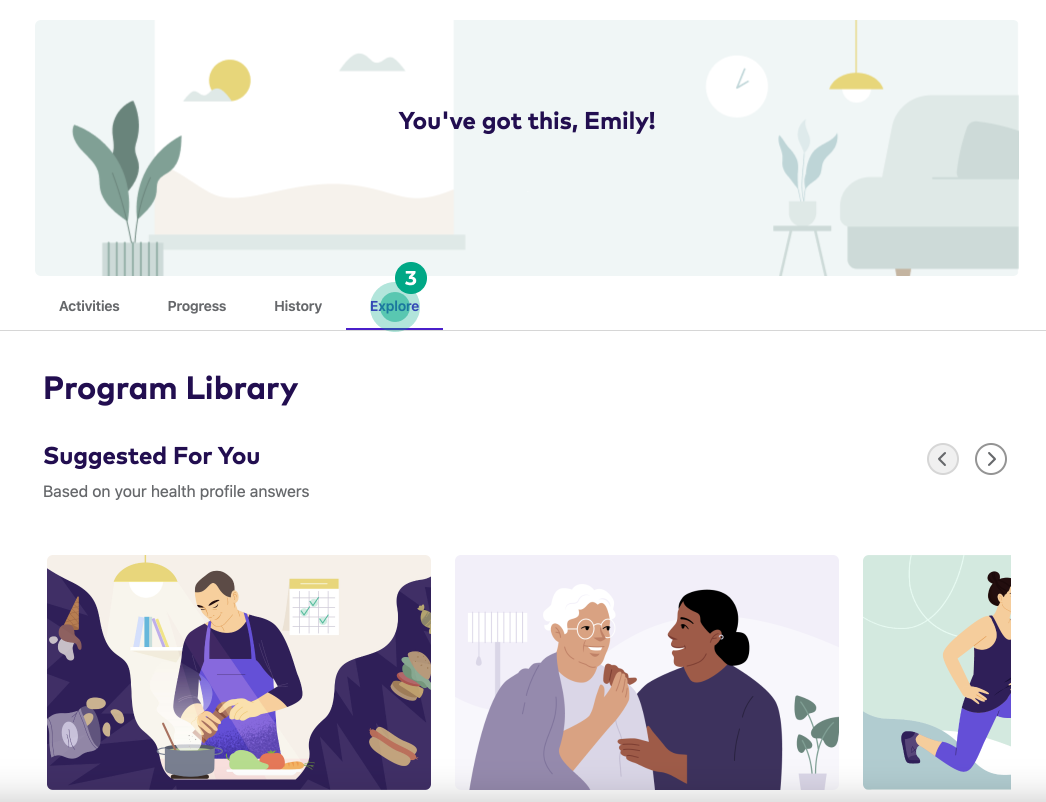
Where can I browse Health Programs?
You can browse Health Programs and add them to your health journey:
-
On the homescreen of your League account, under “Featured Programs”
-
In the program library
Visit the program library to:
-
Browse Health Programs
-
Add Health Programs to your journey
View the program library
See instructions for:
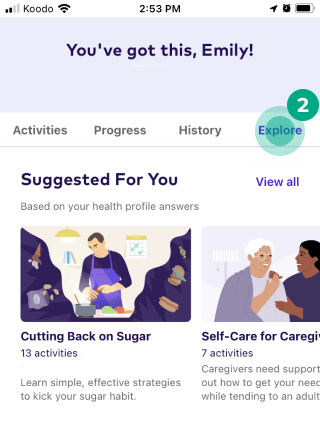
On mobile
1. Tap “Journey”.
-56b5b69559b6a75e55dc4c41602553d3.jpeg)
2. Tap the “Explore” tab.
On web
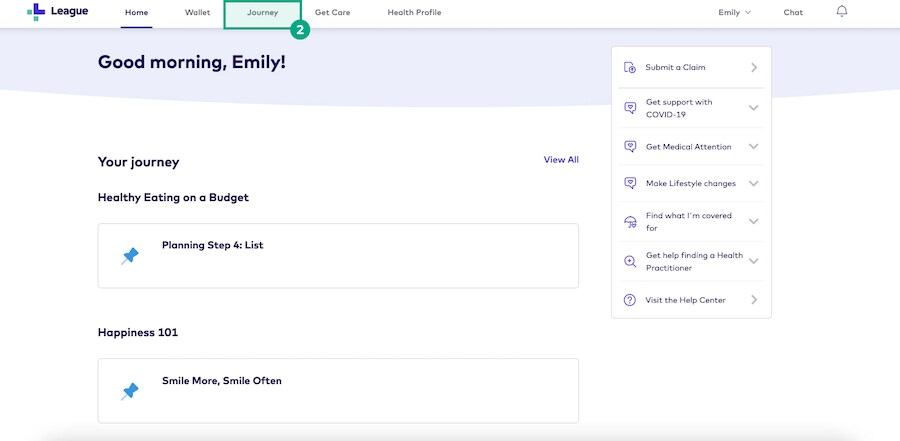
1. Sign in to your League account.
2. Click “Journey”.
3. Click the “Explore” tab.